



VDS Servers
Dedicated resources for your IT infrastructure
Powerful virtual dedicated servers with dedicated CPU resources, reserved RAM, NVMe storage, and nested virtualization support. For corporate systems, DevOps, and custom server infrastructure.
Dedicated CPUs
Reserved RAM
NVMe Storage
Proxmox VE Support
Choose Your VDS Server
Cloud VDS 10
-
6 virtual cores
AMD EPYC 7282 2,8 GHz -
Memory (RAM): 24 GB
-
NVMe Drive: 180 GB
-
Port: 250 Mbit/s
-
Traffic: Unlimited *
Cloud VDS 20
-
8 virtual cores
AMD EPYC 7282 2,8 GHz -
Memory (RAM): 32 GB
-
NVMe Drive: 240 GB
-
Port: 500 Mbit/s
-
Traffic: Unlimited *
Cloud VDS 30
-
12 virtual cores
AMD EPYC 7282 2,8 GHz -
Memory (RAM): 48 GB
-
NVMe Drive: 360 GB
-
Port:750 Mbit/s
-
Traffic: Unlimited *
Cloud VDS 40
-
16 virtual cores
AMD EPYC 7282 2,8 GHz -
Memory (RAM): 64 GB
-
NVMe Drive: 480 GB
-
Port: 1 Gbps
-
Traffic: Unlimited *
Additional options when ordering
Additional SSDs
up to 2 drives
Backup Space
FTP Storage
1 TB / 2 TB
Additional IPv4
up to 15 addresses
Private networks
Key VDS Features
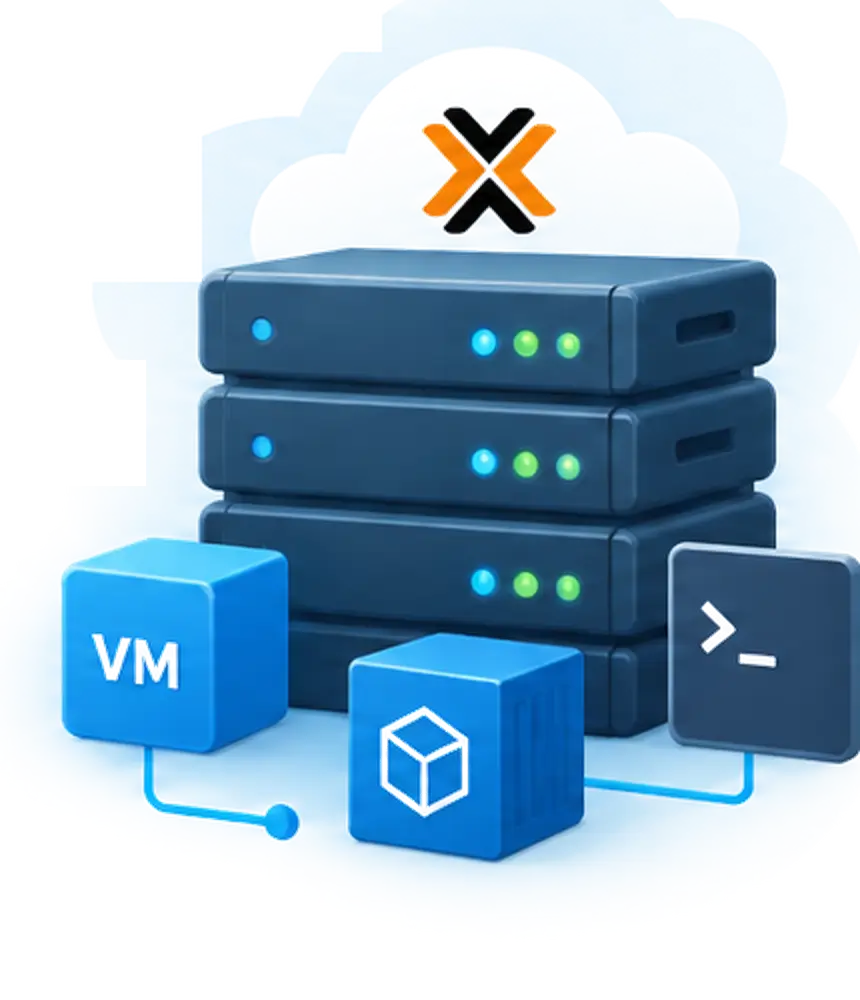
Proxmox VE and Custom Infrastructure
- KVM virtual machines
- LXC containers
- Test and production environments
- Isolated infrastructure
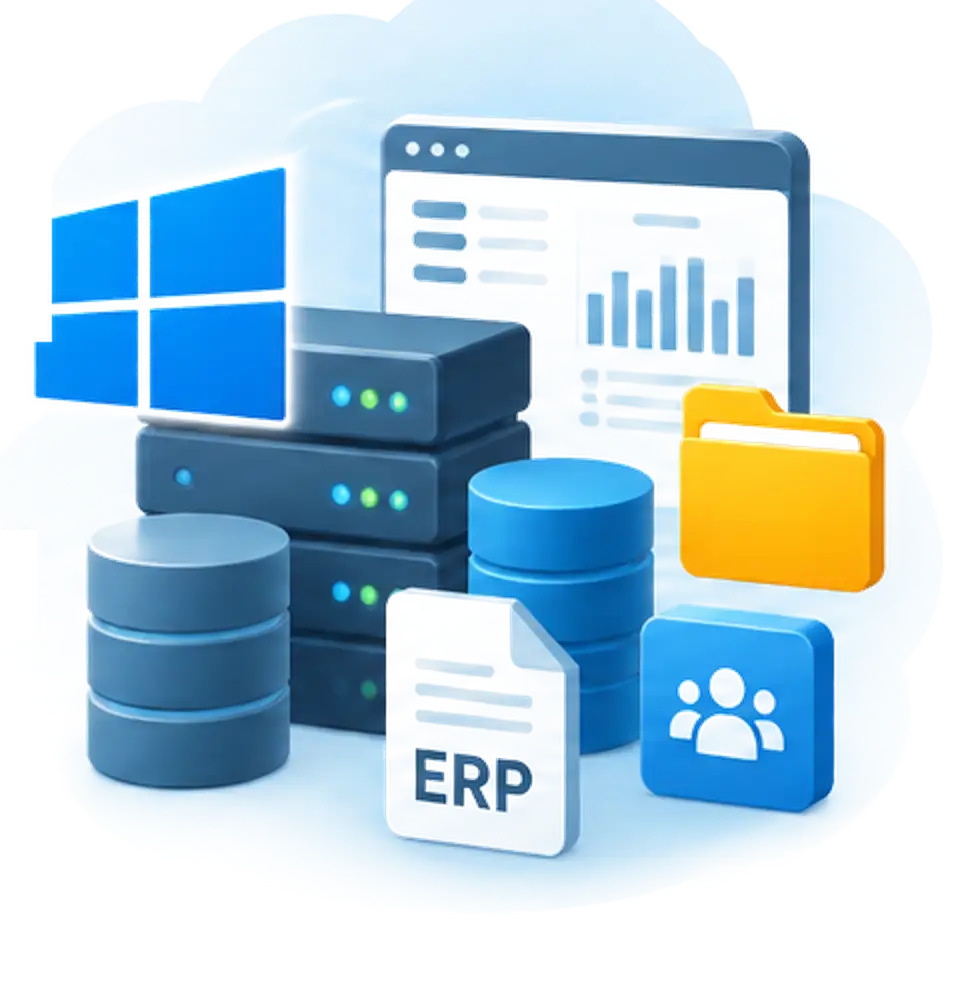
Corporate applications
- Windows Server
- Accounting and ERP
- CRM and databases
- Corporate documents
Technical features
AMD EPYC - Продуктивність без компромісів
VDS servers run on modern AMD EPYC 7282 2.8 GHz processors with dedicated cores and SMT support, ensuring stable performance for sustained workloads.
- Performance for complex IT tasks
- Efficient processing of parallel processes
- Scaling to project needs
- Power without renting a physical server
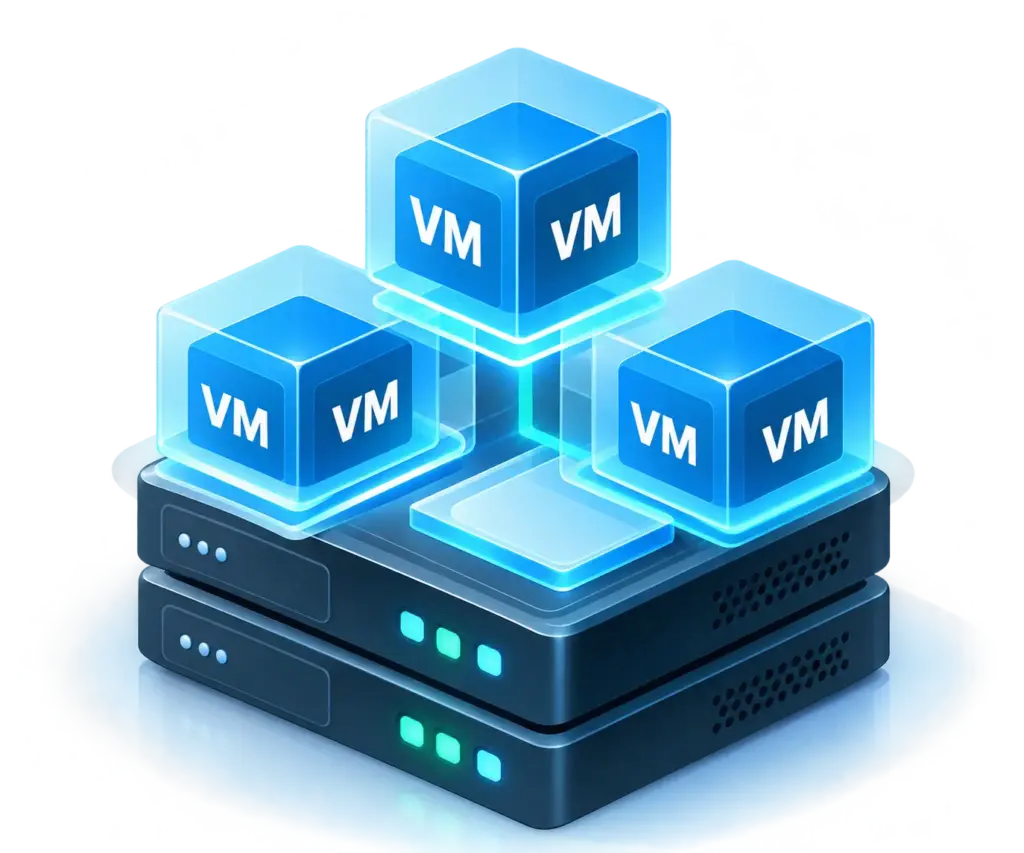
Proxmox VE - custom virtualization node
Use VDS as a Proxmox VE node for multiple independent server environments. You determine the number of machines and their configurations independently within the VDS resource limits.
- Single web panel and API
- VM templates and cloning
- Virtual networks between VMs
- CPU and RAM allocation between VMs

Network infrastructure for complex IT projects
Organize public access to corporate services and isolated connections between servers. Layer 2 private networks allow you to combine VDS in the same region for internal data exchange without using the public internet.
- Network port up to 1 Gbps
- Unlimited traffic
- Automatic DDoS Protection
- Reverse DNS для IPv4 та IPv6
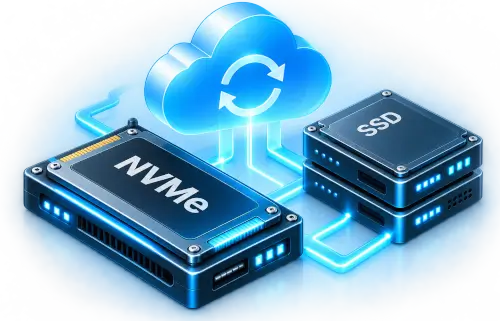
Working data and backups
Primary NVMe storage for the operating system and active data. Expand storage space with additional SSDs as needed, and use a separate Backup Space for your own backups.
- Main disk – NVMe
- Up to two additional SSDs
- Backup Space – FTP/FTPS
- Backups are configured by the client
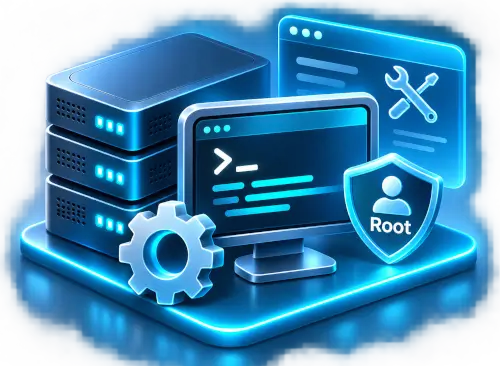
Full control over the server environment
Full administrative access to the operating system for independent software installation, service configuration, and server infrastructure management.
VDS deployment and service operations requiring access to the virtualization platform are performed by WorkHost specialists upon request.
- Full Root / Administrator access
- Remote SSH / RDP administration
- Independent OS and service configuration
- Service operations via WorkHost support
VDS rental for corporate systems and custom IT infrastructure
VDS should be considered not as a more expensive version of regular hosting, but as the foundation of an infrastructure with defined requirements for performance, isolation, and administration. For some projects, it is a dedicated node with a database and corporate application; for others, a platform for several virtual environments.
VDS rental at WorkHost is targeted at clients who independently design their server environment and understand how its resources will be utilized throughout the workday.
When a regular VPS is no longer enough
The choice between VPS and VDS depends not only on the number of CPU cores or RAM. If the load is short-term and uneven, a regular VPS may remain a rational solution.
Another scenario is background computing, intensive database operations, continuous operation of multiple services, or peak loads where CPU time availability is critical.
It is in such scenarios that the predictability of dedicated computational resources is essential. At the same time, VDS does not replace a physical server where direct control over the hardware is required.
Resource planning for real-world load
It is better to start selecting a configuration from the application profile rather than from the highest plan.
For a corporate ERP or accounting system, the number of concurrent users, the nature of queries, the size of the active database, and the duration of background tasks matter. For an analytical platform, peak RAM consumption and CPU load are critical.
It is important to account for a resource reserve for updates, indexing, data imports, and temporary activity spikes. Having a large disk by itself does not compensate for insufficient RAM or slow query processing.
Application and virtual environment architecture
Multiple isolated roles can be organized on a single VDS: an application server, a database, a test environment, or internal services.
When using Proxmox VE, you should calculate the resource overhead of the hypervisor itself and the aggregate requirements of the guest machines in advance. The number of created VMs should not replace the calculation of their actual load.
To access services from an external network, you can use proxies, routing, or other network mechanisms. The scheme for connecting additional public IPs to nested machines must be checked separately, as the mere support of virtualization does not guarantee any specific network topology option.
Organisation of working data and backup
For enterprise systems, it is advisable to distinguish between the storage requirements of active data, files, and archives.
For example, databases are sensitive to disk I/O latency, whereas document management systems often primarily require sufficient storage capacity.
Additional disk space should not be confused with a backup: accidental deletion, data corruption, or an operating system failure can affect multiple storage volumes simultaneously.
Backup strategies should be designed separately, with clearly defined backup frequency, retention periods, integrity checks, and regular recovery testing.
Migrating Existing Infrastructure to VDS
Migrating enterprise services should begin with an inventory of dependencies, including database management system (DBMS) versions, system libraries, background tasks, network rules, and external integrations.
Next, the new environment should be tested using sample data, a cutover window should be agreed upon, and a rollback procedure should be established in case any issues arise.
For systems with continuous database writes, establishing a consistent backup point and verifying data integrity after migration are particularly important.
Updating DNS records alone does not ensure data synchronization. Therefore, the migration plan must account for active sessions, task queues, and DNS propagation times.
VDS Management at WorkHost
Renting a server does not include automatic administration of applications installed by the customer.
The customer is responsible for system updates, access configuration, log management, resource monitoring, and backup policies.
Infrastructure operations that cannot be performed through operating system access must be coordinated with WorkHost support.
Before placing an order, it is advisable to define service availability requirements, acceptable recovery times, and a disaster recovery plan.
This approach helps assess not only the cost of renting a VDS server but also the total cost of operating the planned infrastructure.
Frequently Asked Questions About VDS
1. How Can I Change My VDS Plan After Ordering?
Plan upgrades are handled through WorkHost support. If Live Migration is available for the selected configuration, the upgrade can be performed while preserving your data and IP address. A brief server reboot is required after migration. Downgrading to a lower-tier plan is not supported.
2. Which Custom OS Images Are Supported?
Bootable ISO files and preconfigured QCOW2 images for the x86-64 architecture with VirtIO drivers are supported. Using custom images requires an additional option and prior approval from WorkHost. Custom Windows Server images are not supported.
3. Can I Use My Own Windows License?
No. Bring Your Own License (BYOL) for Windows Server is not supported. Windows Server is provided with a license at an additional cost. Licensing for enterprise applications, including Microsoft SQL Server and Remote Desktop Services, is handled separately.
4. What Happens During an OS Reinstallation?
Reinstalling the operating system deletes all data from the current server installation. The primary IP address remains unchanged. Before reinstalling the OS, you must create backups and verify that your data can be successfully restored.
5. When Can a VDS Be Migrated to Another Region?
Migration is available provided that no additional SSDs are attached. Live Migration preserves server data, but public IP addresses will change. Backup Space contents are not transferred automatically. Migration availability, costs, and conditions must be agreed upon in advance with WorkHost support.
6. Where Can I Access Backup Space From?
Connections are only possible from servers within compatible data center infrastructure. Direct access from external servers or local computers is not supported. FTP and FTPS protocols are used for file transfers.
7. What Are the Limitations of Unlimited Traffic?
8. How Is a Private Network Configured?
Enabling Private Networking depends on the compatibility of the server node. In some cases, a server reboot is sufficient, while in others, an OS reinstallation may be required, resulting in data loss and a change of IP address. We therefore recommend determining whether you need a private network when ordering your VDS.